Computer & Device Repairs
Fix faulty devices, speed up slow computers, and get new equipment set up and ready to use.
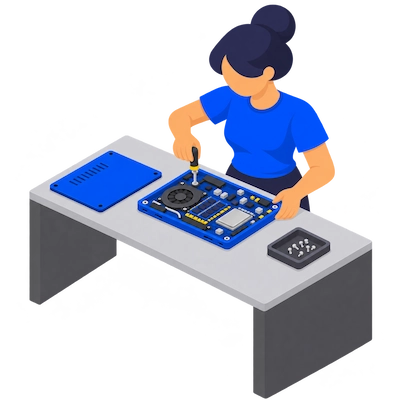
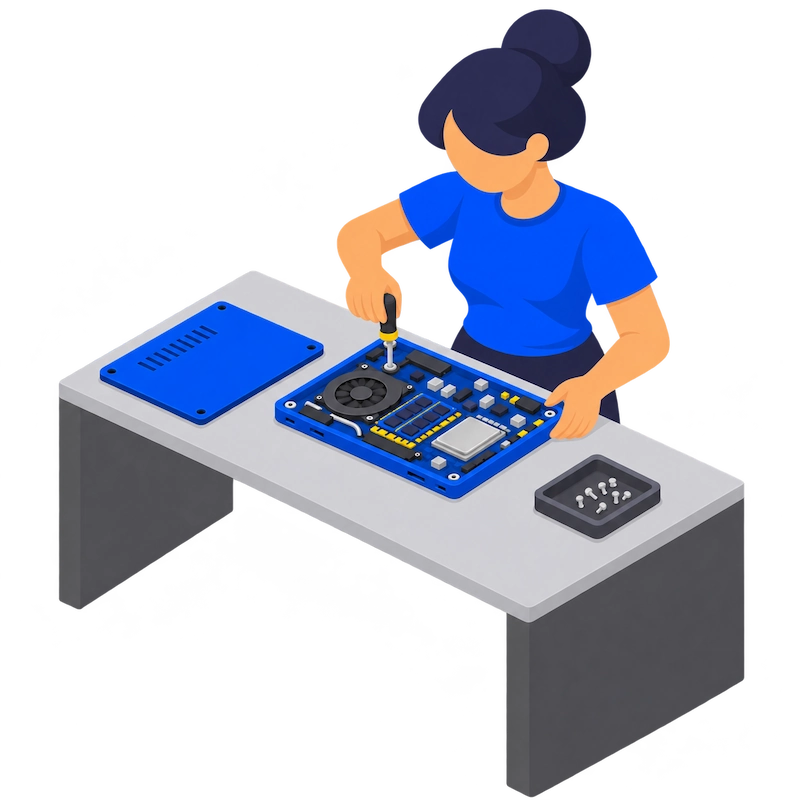
Diagnose devices that will not start, faulty components and unreliable hardware, with repair options explained before parts are replaced.
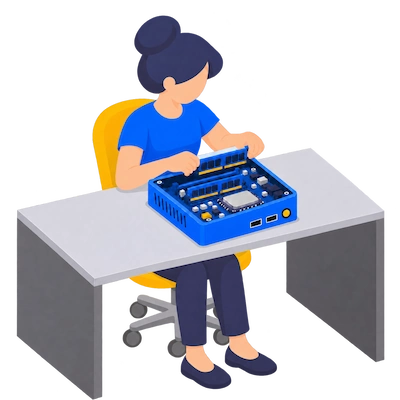
Improve your computer with more memory or faster storage. Choose compatible upgrades that suit your needs and extend its useful life.
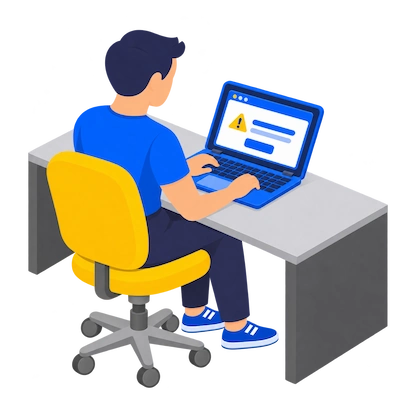
Fix crashing apps, failed updates and confusing error messages. Get your software working properly while keeping your setup familiar.
Get a fresh start when your system or apps are damaged. Reinstall essential software and check it is configured and ready to use.
Check suspicious popup messages and unwanted programs. Remove malicious software and repair settings to regain control of your device.
Set up antivirus, security updates and device protection. Review your settings and reduce everyday risks to your computer and files.
Reduce slow startup, remove unwanted software and free up storage. Keep your computer running smoothly with maintenance and updates.
Get your new device ready with essential apps, updates and settings, plus connections to your printer, WiFi and everyday accessories.
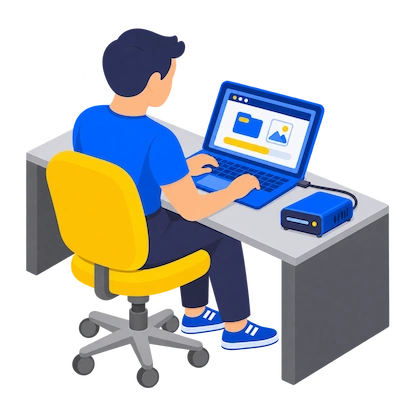
Move documents, photos and other files to a new device. Keep folders organised and check your important files arrive where you need them.
Need a device looked at?
Tell us which device needs attention and what is going wrong. If you need pickup and return, we can help arrange it.